Sent to you by GADET via Google Reader:

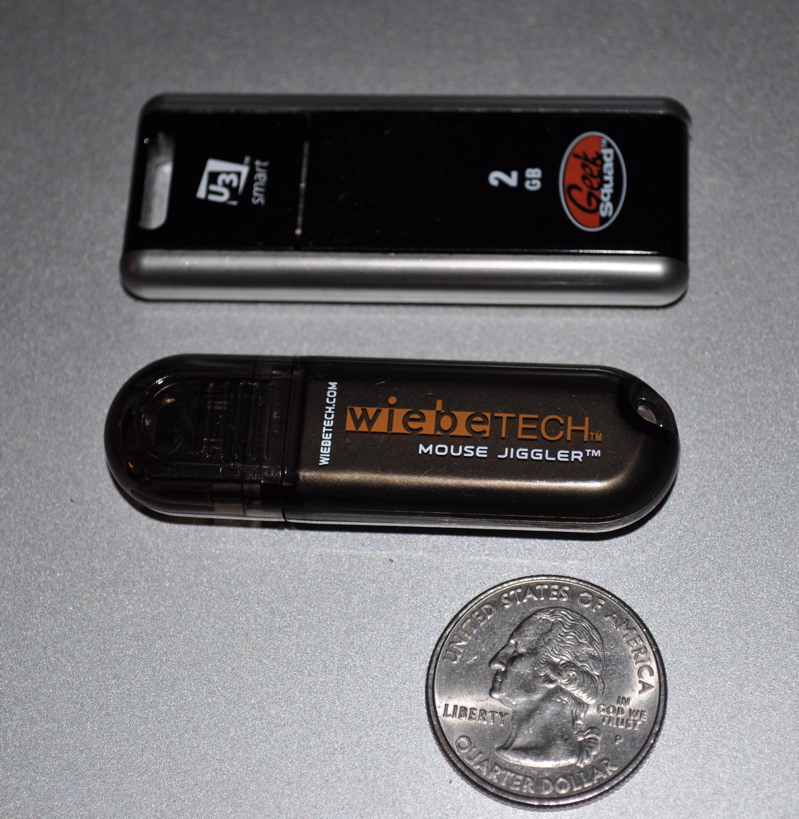
There are two versions of the Jiggler available, Fast and Slow, with the only difference being the speed of the mouse cursor movement. The fast version moves the mouse quickly and constantly around the screen, making it good for practical jokes on a co-worker, but not really for work since you'll be battling the runaway cursor. Luckily, I was sent the Slow version to review. It moves the mouse so slowly in fact that for an hour or so after I first plugged it in, I was convinced it was defective. It was only when the thought suddenly occurred that it had been an hour and my screensaver had yet to go off that I realized it was working just fine.
On the manufacturer's product page the slow version steadily ticks a few pixels back and forth like a heartbeat. However, in use the movement is much more subtle. I stared at a still cursor for several minutes only to see a quick nudge in one direction, followed by another nudge back about a minute later. I found no problems with taking control of the mouse and going about my work with the drive still plugged in.
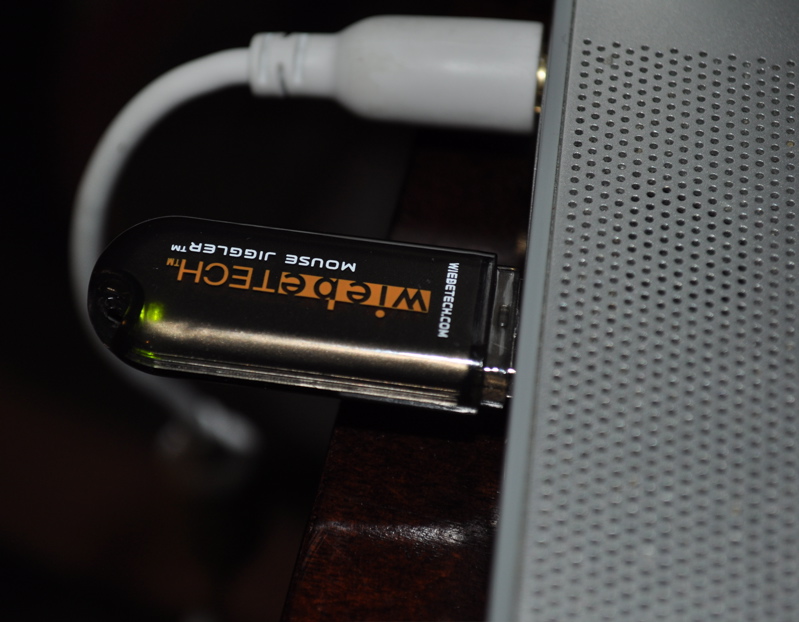
Once inserted into a USB port, the green LED light comes on, then flashes in accordance to the number of minutes it has been active. It registers as a Human Interface Device (HID) on your computer and goes to work immediately.
I've tested it out on an iMac and Powerbook (both running OS X 10.6), a desktop PC running Windows XP, and a netbook running Windows 7 and the Jiggler performs flawlessly on each. I pretty much just leave it plugged into my PC desktop all day long and have seen no ill effect (i.e. computer lock ups, Jiggler overheating, computer slow down, etc). As a test, I left it in over this past long holiday weekend and when I showed up Monday morning the computer was still "awake"and the Mouse Jiggler was blinking happily away
I'm hard pressed to find any negative about this little guy. To those who scoff about coughing up $17 when there are the free versions of the same gadget–WiebeTech agrees with you! They're not telling you to hurry up and buy twelve, but to use what works for you. The Mouse Jiggler won't be for everyone–but for those who don't have administrative access and need to prevent any computer from going idle for any reason, the Jiggler could be exactly what you're looking for.

The Mouse Jiggler is available in both Fast and Slow versions for $17 through WiebeTech.
Filed in categories: Desktop Computer Gear, Laptop Gear, Reviews
Tagged: mouse jiggler, Password, USB Dongle
WiebeTech Mouse Jiggler Review originally appeared on The Gadgeteer on December 5, 2010 at 2:30 pm.
Things you can do from here:
- Subscribe to The Gadgeteer using Google Reader
- Get started using Google Reader to easily keep up with all your favorite sites
